
Training management software
From first aid certificates to leadership programmes: plan, assign and track all training in one place. With automatic reminders and reports that are always up to date.


Name

Caroline

Elizabeth
Certificate
90%

Henny Hoekstra

James Wates














Why organisations choose training management software
Planning training in spreadsheets and tracking results by email doesn't work with twenty employees. Let alone two hundred.


What makes Pluvo complete training management software
Pluvo brings together the planning, delivery and reporting of training. These are the features that make it possible.

Plan classroom training and sessions, let employees register and track attendance. Combine online modules and classroom training in one blended programme.

Whether it's BHV, VCA or HACCP safety certificates: Pluvo tracks who needs to complete what and when certificates expire. Automatic reminders keep you always audit-ready.

One dashboard shows which training is running, who's falling behind and where things can improve. Export reports by team, department or location.
Training management for every role in your organisation

Plan training, assign it by role or team and track who has completed what. Connect to your HR system so new employees automatically get the right training.

Combine classroom sessions, e-learning and practical assignments in one programme. Measure not just attendance, but also understanding and application.


See instantly which team members have completed their training and where delays are occurring. Use reports for quarterly reviews and team check-ins.

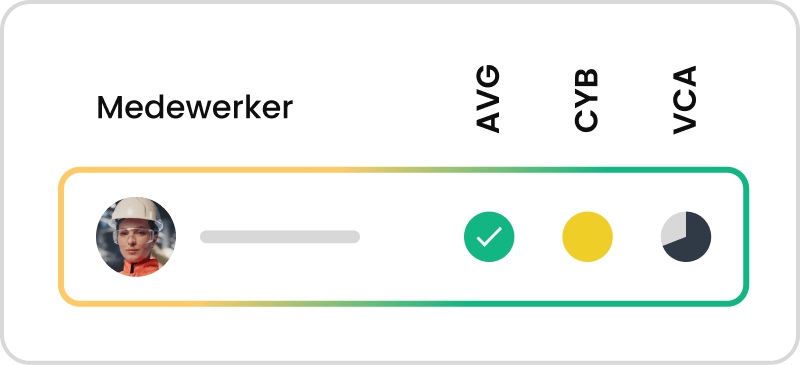
Manage BHV, VCA and HACCP safety certificates centrally with automatic reminders when certificates expire. Export overviews for audits and inspections.

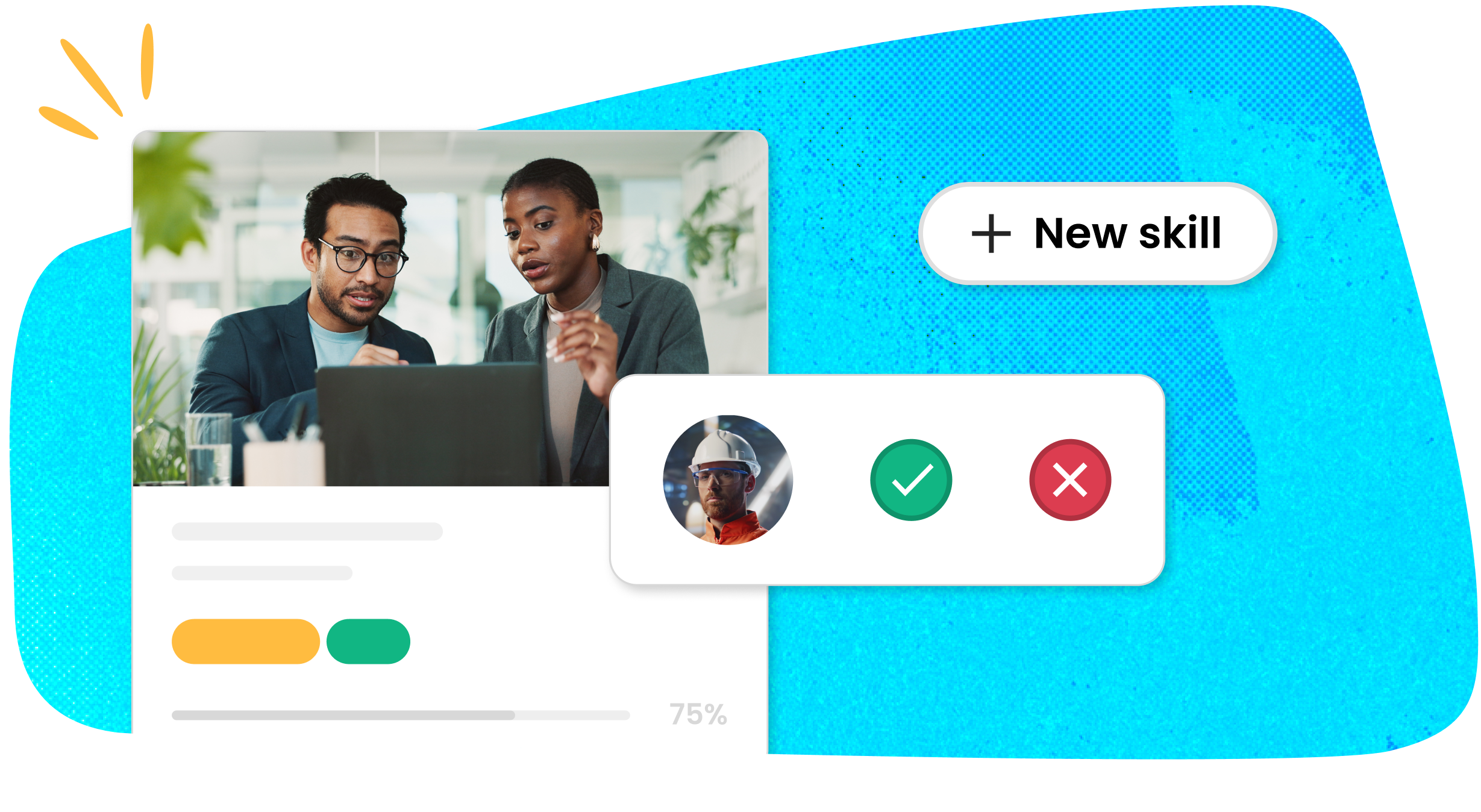
See in your personal overview which training is scheduled and what you've completed. Register and receive a reminder when a certificate is about to expire.


Connect Pluvo to your existing systems via SSO and API. Manage users automatically from your HR system. The platform meets GDPR requirements and runs on European servers.
What is training management software?
Software that lets you plan, assign and monitor all your training, courses and certifications in one place — from registration to reporting.



What to expect from Pluvo
You get a dedicated point of contact who knows your organisation. No anonymous helpdesk, no ticketing system. You're not on your own.



From learning design advice to setting up compliance and working with AI. Our service team helps you with all your questions about Pluvo.

We set up Pluvo to match your processes and roles. No standard template you have to rebuild afterwards.

Your dedicated point of contact actively thinks along with you about how to get even more out of your Pluvo academy. Make the most of Pluvo and reach your organisation's learning objectives.


At Pluvo, you get in touch right away. No queues or ticketing system: our AI assistant often gives you a first answer within a few seconds, and meanwhile, during working hours, someone from our team is always reading along.
Is your question more specific? Then we simply respond ourselves.
In a short, no-obligation introduction you'll get a clear picture of our platform and how it fits your situation in learning and development. What to expect:




.jpeg)
How organisations manage training with Pluvo
Read our latest articles on training management.




Frequently asked questions about training management software
Answers to the most frequently asked questions about managing mandatory training and certificates with Pluvo.
How quickly is Pluvo operational?
Most organizations are up and running within a few weeks. Pluvo’s implementation team assists with the setup, from user management and SSO integration to creating your first training modules.
Is Pluvo suitable for both small and large organizations?
Pluvo scales with you from 20 to 20,000 users. The platform is designed to remain intuitive and organized, even across multiple locations, departments, or languages.
Is Pluvo suitable as an LXP for large organizations?
Pluvo scales with you from 20 to 20,000 users. The platform remains intuitive across multiple locations, departments, and languages. Connect with your HR system for automated user management.
What is an online learning platform?
An online learning platform is software that allows organizations to offer training, courses, and assessments to employees digitally. In Pluvo, you manage all learning activities in one place: from e-learning and video to classroom sessions and practical assessments.
What is an LXP?
A Learning Experience Platform (LXP) is software that provides employees with a personalized learning experience. Unlike a traditional LMS, an LXP focuses on the learning experience itself: interactive content, personalized paths, and self-paced learning.
What is the difference between an LMS and an LXP?
An LMS focuses on managing and assigning training. An LXP adds a personalized learning experience to that: content tailored to the employee, interactive elements, and insights into learning preferences. Pluvo combines both.
What is the difference between an LMS and an LXP?
An LMS (Learning Management System) manages and assigns training, while tracking progress and certifications. An LXP (Learning Experience Platform) adds a personalized learning experience: content tailored to the employee, recommendations, social learning, self-direction, and insights into learning preferences. Pluvo combines both: streamlined management with an engaging learning experience.
Can I use existing courses and training materials in Pluvo?
Yes. Pluvo supports SCORM packages, videos, PDFs, and presentations. You can upload existing courses and training materials and combine them with lesson modules you create yourself in the authoring tool. The results are automatically added to the reports and progress overviews.
Can I import existing courses into Pluvo?
Yes. Pluvo supports SCORM packages, videos, PDFs, and presentations. You can upload existing material and combine it with new interactive lesson modules that you create in the authoring tool.
Can I use existing courses in Pluvo?
Yes. Pluvo supports SCORM packages, videos, PDFs, and presentations. You can combine existing materials with new interactive modules into a single learning path.
How do I know if Pluvo is the right LXP for us?
At Pluvo, we only enter into a partnership when we are convinced it is a great match. Schedule a call, and we will look at your learning goals together and how Pluvo can help you achieve them.
How do I know if Pluvo is the right online learning platform for us?
At Pluvo, we only enter into a partnership when we are convinced it is a great match. Schedule a call and we will look together at your learning goals, how many employees are involved, and how Pluvo can help. No strings attached, just honest advice.