
What is an authoring tool?
An explanation of the system that allows you to create lesson modules and tests yourself, without any technical knowledge.


You may have heard of an authoring tool. But what exactly is an authoring tool? Learn about it in this blog and try it out yourself!
What is an authoring tool?
An authoring tool is the system, the editor, that you use to develop your own online trainings. With Pluvo's authoring tool, for example, you create your own lesson modules, where you can easily add different types of content and assignments. Want your learners to learn through video, infographics, text, podcast, or another format? You can arrange this yourself very quickly thanks to the ease of the authoring tool.
You can also test your learners' knowledge with an official exam or simply with a fun knowledge quiz. You click the right question type, enter your question and the answer options, and voilà: another new assignment added. That is the authoring tool: it makes sure you can share your knowledge within minutes.
How is the authoring tool used in e-learning?
Pluvo's authoring tool is designed so that everyone can work with it. It's not for nothing that our mission is “to make sure everyone can quickly share important knowledge.” Building your first e-learning in Pluvo doesn't require lengthy training.
If you want to share your knowledge quickly, you don't want to be bothered with HTML code or complicated procedures. You just want to see what to do with that button. A user-friendly authoring tool means that you and I - everyone - can work with it.
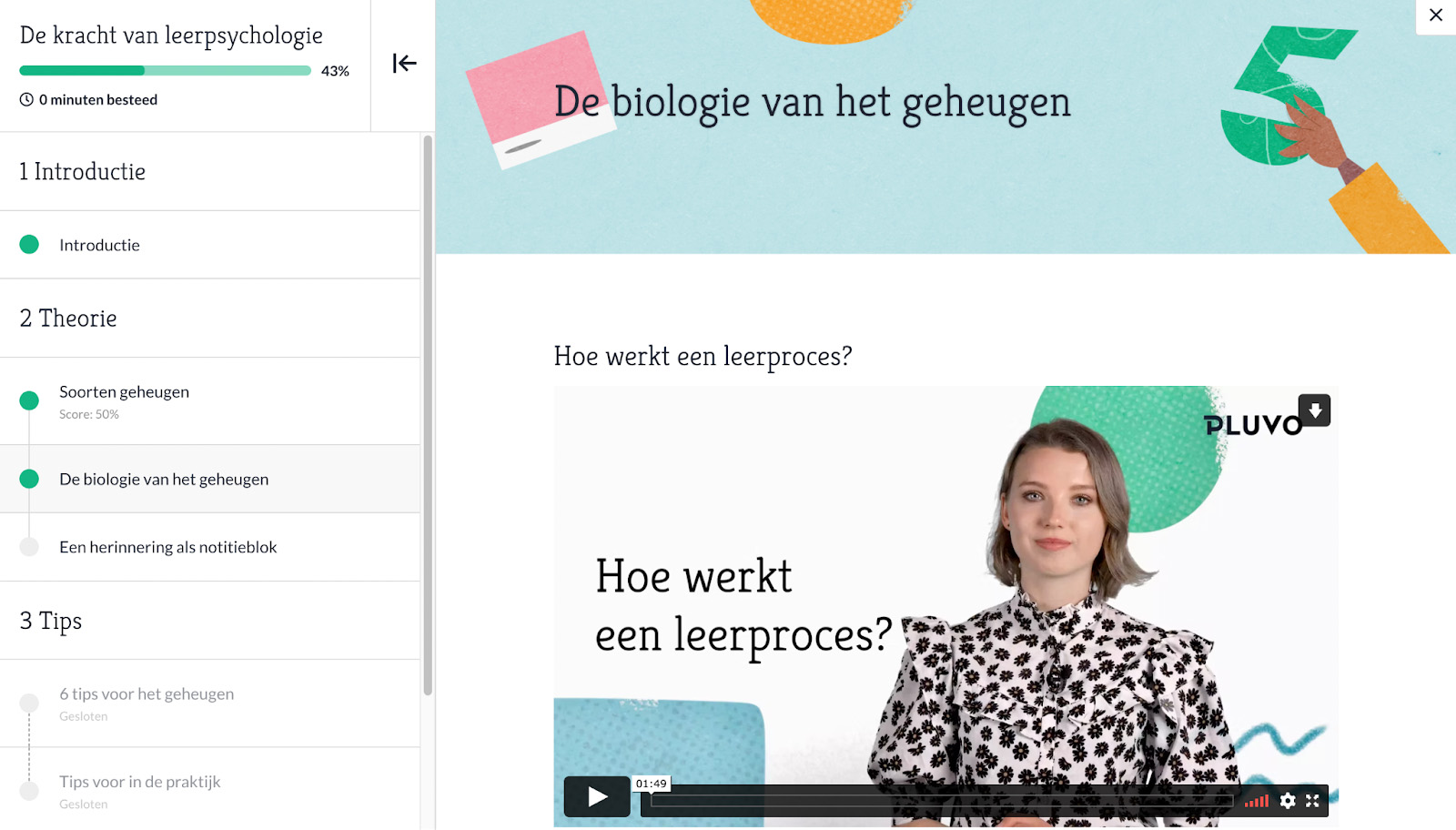
With Pluvo's authoring tool, you can easily create attractive e-learnings.
Why use Pluvo's authoring tool?
There are quite a few authoring tools on the market. That doesn't always make it easy to choose the right authoring tool for developing your e-learnings. We've listed why Pluvo's authoring tool might be the right choice for you:
✔️ Some authoring tools are so advanced that only more experienced e-learning developers can use them. That's not the case with Pluvo. Our authoring tool is designed so that even a beginner can easily share knowledge quickly.
✔️ Pluvo's authoring tool offers many options for personalization. For example, you can put your e-learnings entirely in your own brand style, so it truly breathes your brand!
✔️ Quickly and easily build knowledge quizzes or serious tests. Use a variety of question types: from multiple choice to ordering questions or fill-in-the-blank questions. For almost every question, there is a suitable question type!
✔️Give your learners exactly the information they need by creating learning paths. Does your learner make a lot of mistakes? Then you build in an extra review. Does your learner need a bit more challenge? Then extra background information opens up. Anything is possible to offer your learners a customized learning path!
What is the difference from an LMS?
With Pluvo's authoring tool, you build your own e-learnings. Because Pluvo also includes an LMS, you can also share your e-learnings with your users through our platform. You have insight into learners' progress, scores, and answers, and you can easily update your e-learnings. In short, because Pluvo includes an LMS, you not only build your e-learnings in Pluvo, but you also manage them there.
This is also an important criterion when choosing an e-learning platform. You don't just want to create fantastic online trainings - you also want to be able to share them easily and manage your content and users. If you're looking for an e-learning platform, don't only ask about the authoring tool's capabilities, but definitely about the LMS's, too!
Want to know more?
Want to know more about Pluvo's authoring tool or LMS? Our e-learning experts are happy to answer your questions! Contact our help desk or schedule a demo right away.

Keep reading
Get inspired by our other blog posts